 Packaging
 Packaging
Packaging choices that change how a plush gift feels on shelf
How tags, cards, boxes and simple packaging decisions can change the buyer's first impression of a plush product.
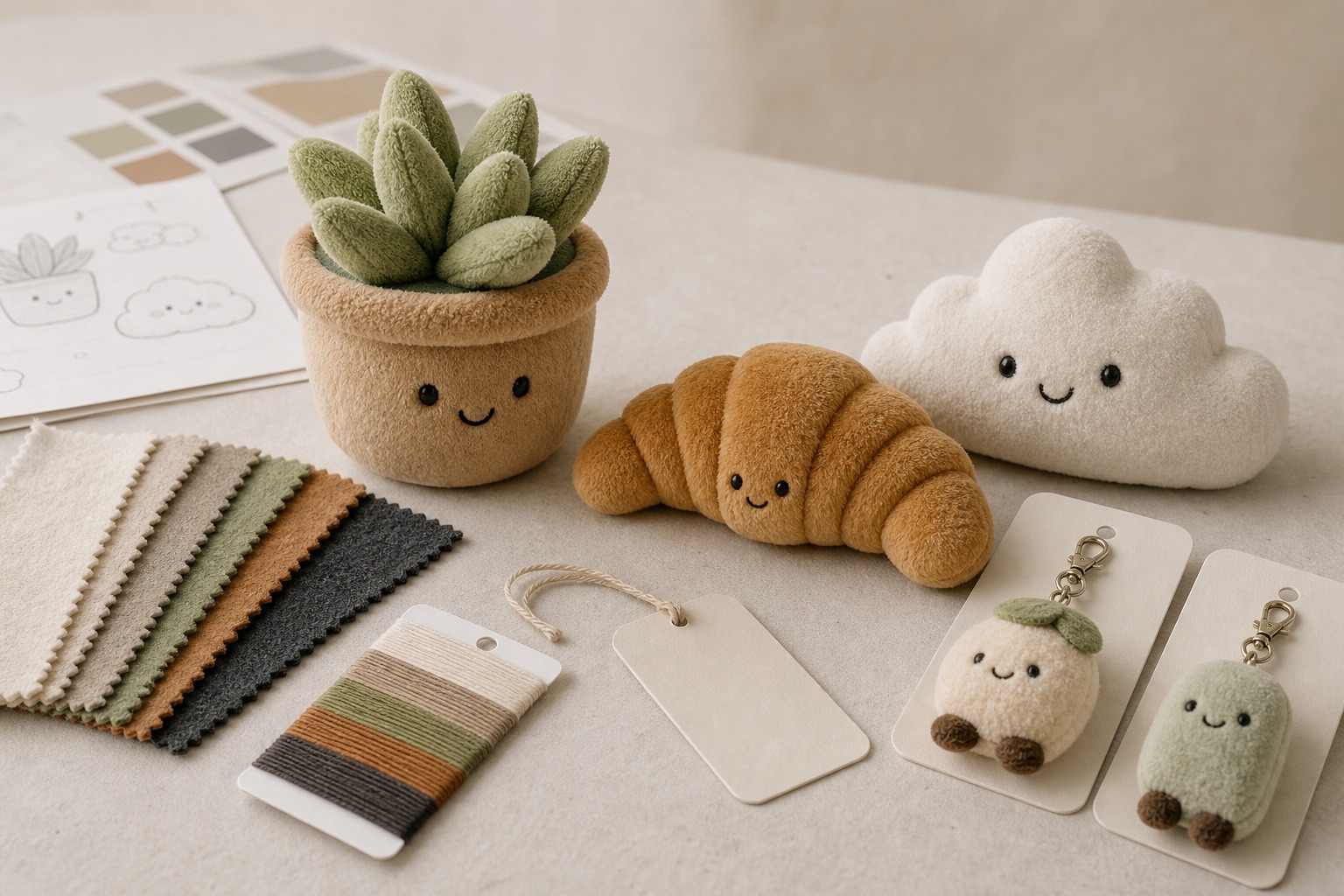
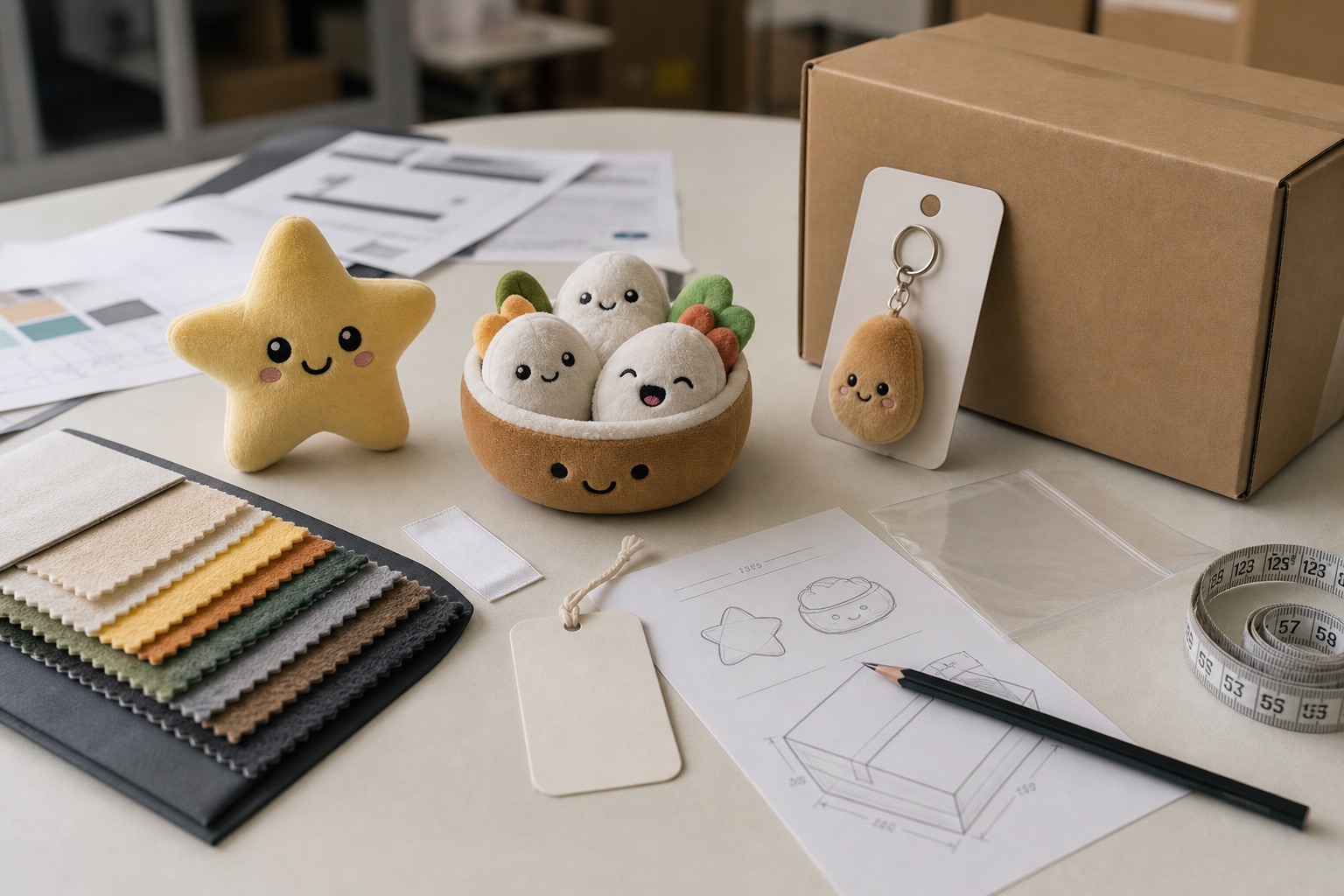
Boxed presentation plush starts with the package as the product driver: window or closed box, insert or tray fit, backing card role, packaging artwork readiness, label or barcode space, and the way plush dimensions affect carton fit. This route is for buyers who need the plush and package engineered together before quotation.
| Best for | Window boxes, closed boxes, tray inserts, backing-card plush and programs where package structure drives the quote |
|---|---|
| Main cost drivers | Box structure, insert or tray fit, backing card, print method, label space, carton fit and quantity range |
| Design levers to own | Window or closed box, tray depth, backing-card shape, barcode/label zone, box-to-plush clearance and artwork readiness |
| Common formats | Window box plush, closed gift box, insert-tray plush, backing-card plush, boxed set |
| What to clarify first | Box role, packaging artwork status, plush dimensions, insert or tray requirement, label space and carton-fit assumptions |
Use the direction as a style starting point, then own the character, face system, size, materials and packaging. The goal is not a copied sample — it is a product direction that belongs to your brand.
Boxed presentation plush treats the package as the lead product driver. The early questions are box type — window or closed — insert or tray fit, backing-card role, label and barcode space, and how the plush dimensions affect box-to-plush clearance and carton fit.
This route is for packaging-led buyers and subscription or gift programs that need the plush and its box engineered as one system before the project is quoted.
Typical directions we develop in this family — each starts from your artwork and is confirmed by RFQ.
Window, closed box, tray depth or backing card is defined before quoting print and packing work.
Insert, tray or backing support holds the plush position and defines room for label or story copy.
Plush dimensions, box size, clearance and master carton assumptions are reviewed as one package system.
Packaging How tags, cards, boxes and simple packaging decisions can change the buyer's first impression of a plush product.
Compare basic protection, hang tags, insert cards, retail packaging and gift-ready presentation before requesting a custom plush quote.
Read guide →Prepare artwork, target size, quantity range, material direction, packaging notes, target market context and open questions before quote review.
Read guide →Plan plush QC checkpoints by inspection stage, workmanship detail, measurement record, label placement, packing review, and private acceptance criteria.
Read guide →Potted-plant characters where the pot, leaf shape and face system make the object readable before it becomes a gift.
Develop this for your IP →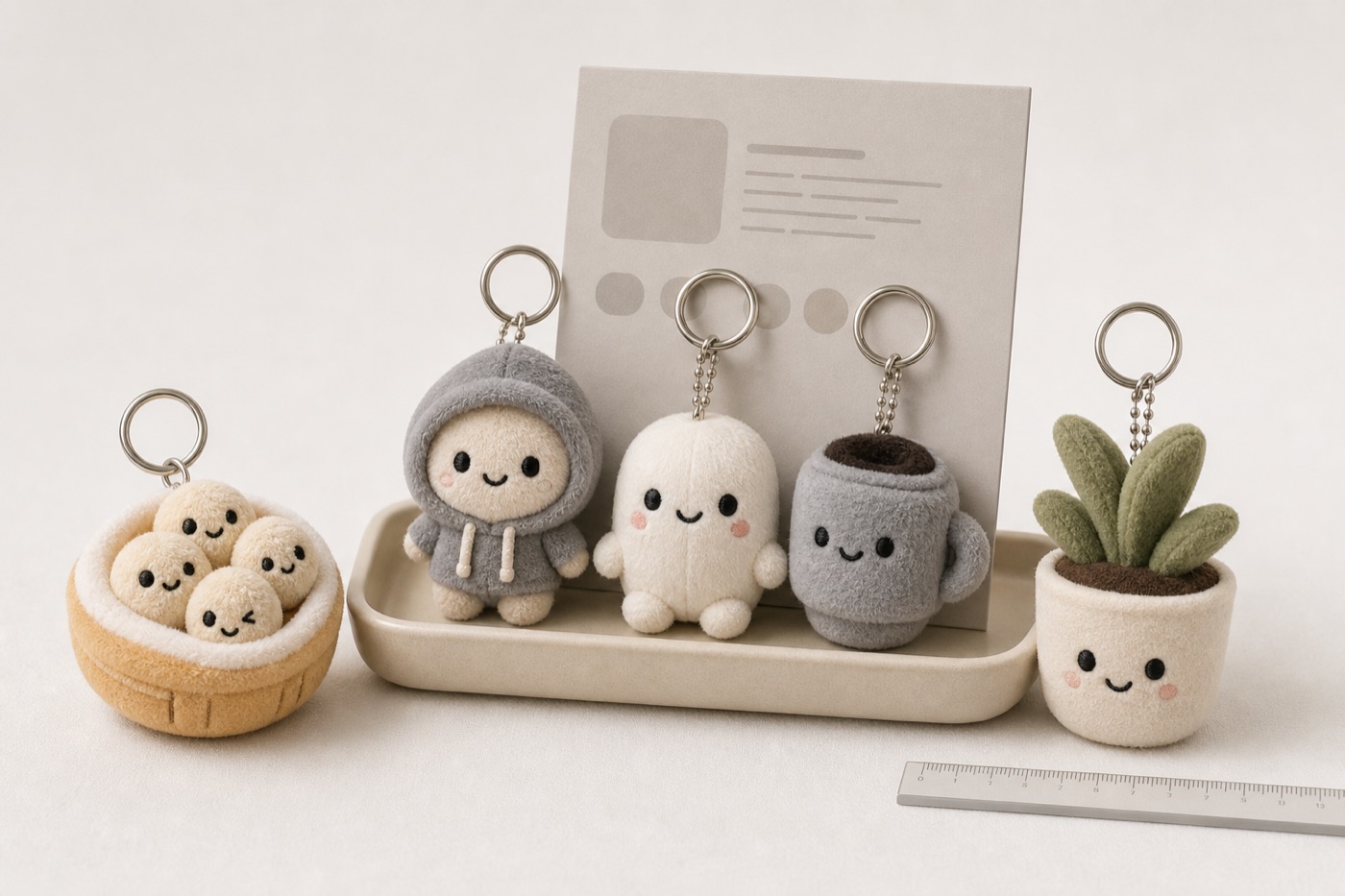
One food, drink or everyday object turned into a readable soft character, with silhouette and face placement decided before sampling.
Develop this for your IP →
Expression-led, emotional-support characters with personality. The look that builds fandoms.
Develop this for your IP →Bring your character idea or target audience and we will map the sampling path, material direction, and packaging plan.